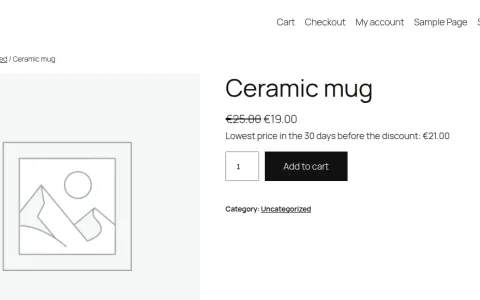
The gap
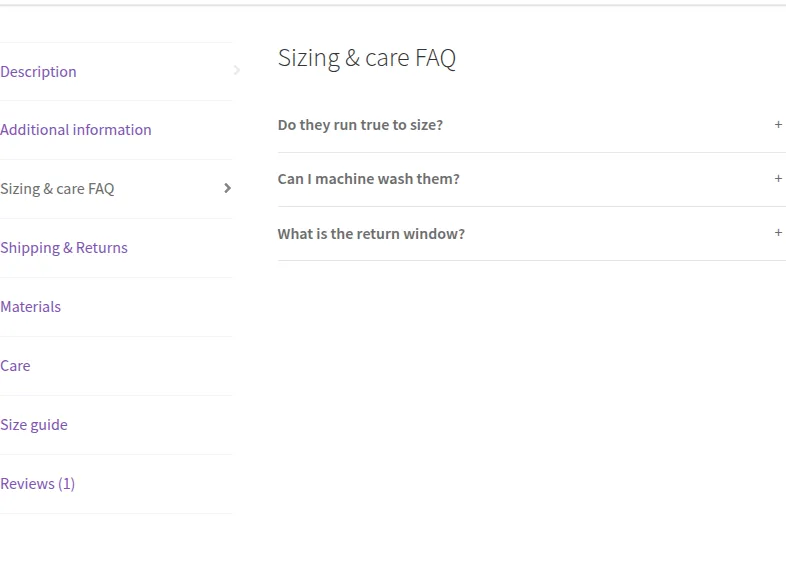
WooCommerce shows three fixed tabs. Shipping terms, size guides or FAQs end up pasted into every product description, and changing them means editing every product.

WordPress
A free WooCommerce plugin for custom product tabs: tabs per product, global tabs by category or tag, FAQ tabs with FAQPage schema, and control over the default tabs.
Source code on GitHub under the GPL 2.0 or later license.
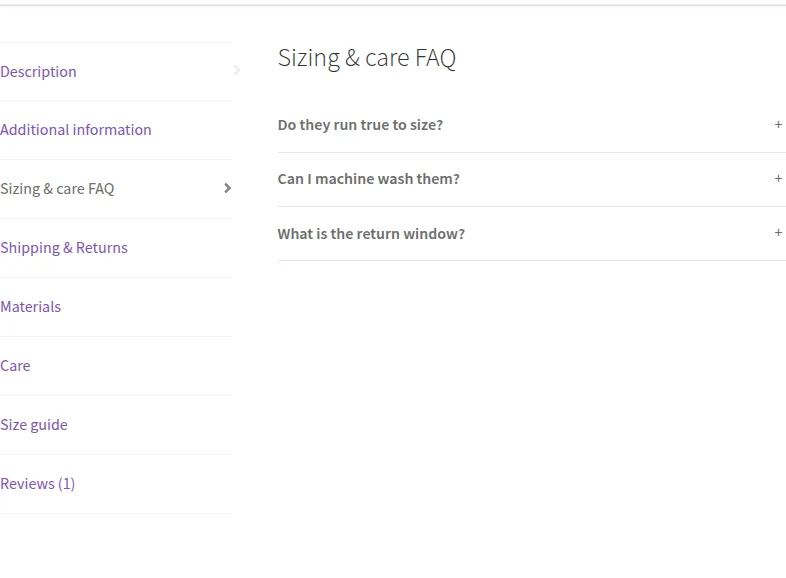
The gap
WooCommerce shows three fixed tabs. Shipping terms, size guides or FAQs end up pasted into every product description, and changing them means editing every product.
What it is
PN Scripts Tabcrest adds tabs per product and global tabs that follow categories or tags, so shared content is written once. FAQ tabs and a manager for the default tabs are included.
How you use it
Write a tab once and show it on every product that needs it.
A product tabs plugin. It never touches orders, cart or checkout, and nothing in the free plugin is locked.
Use it when
Built for
Add any number of tabs under Product data → Custom tabs: rich text with the WordPress editor, or a FAQ list. Drag to reorder, or switch a tab off without deleting it.
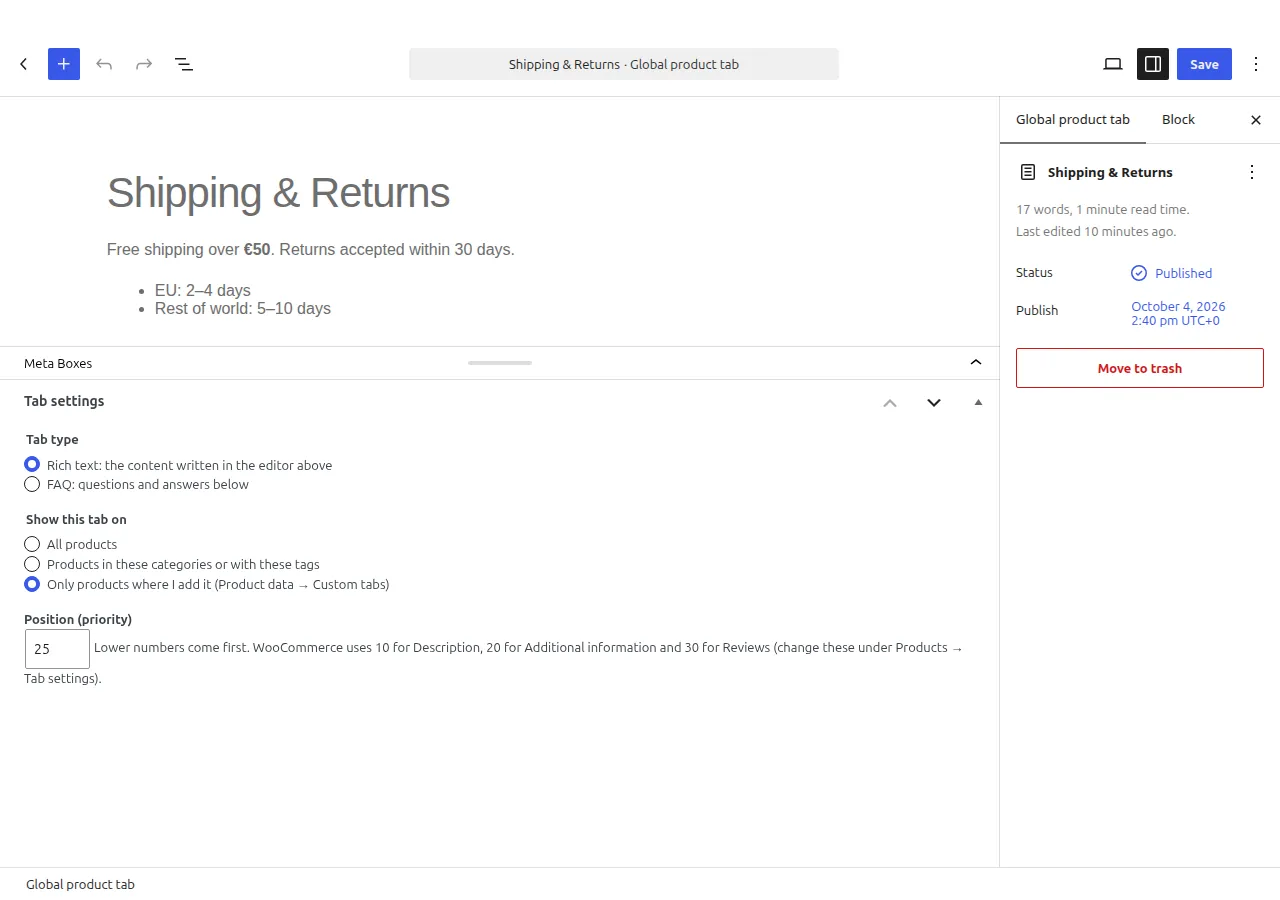
Write a tab once in the block editor and show it on all products, on products in chosen categories or with chosen tags, or only where you add it. Edit it once, every product updates.
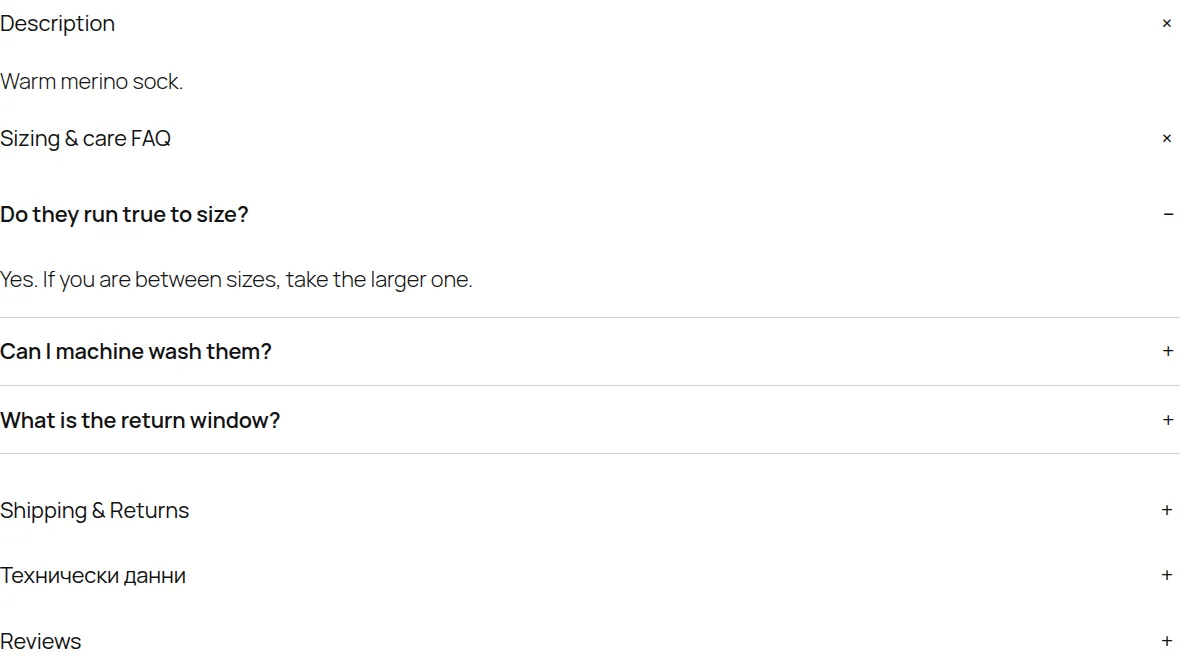
Questions and answers as an accessible list without JavaScript, with optional FAQPage structured data that you can turn off when your SEO plugin already outputs it.
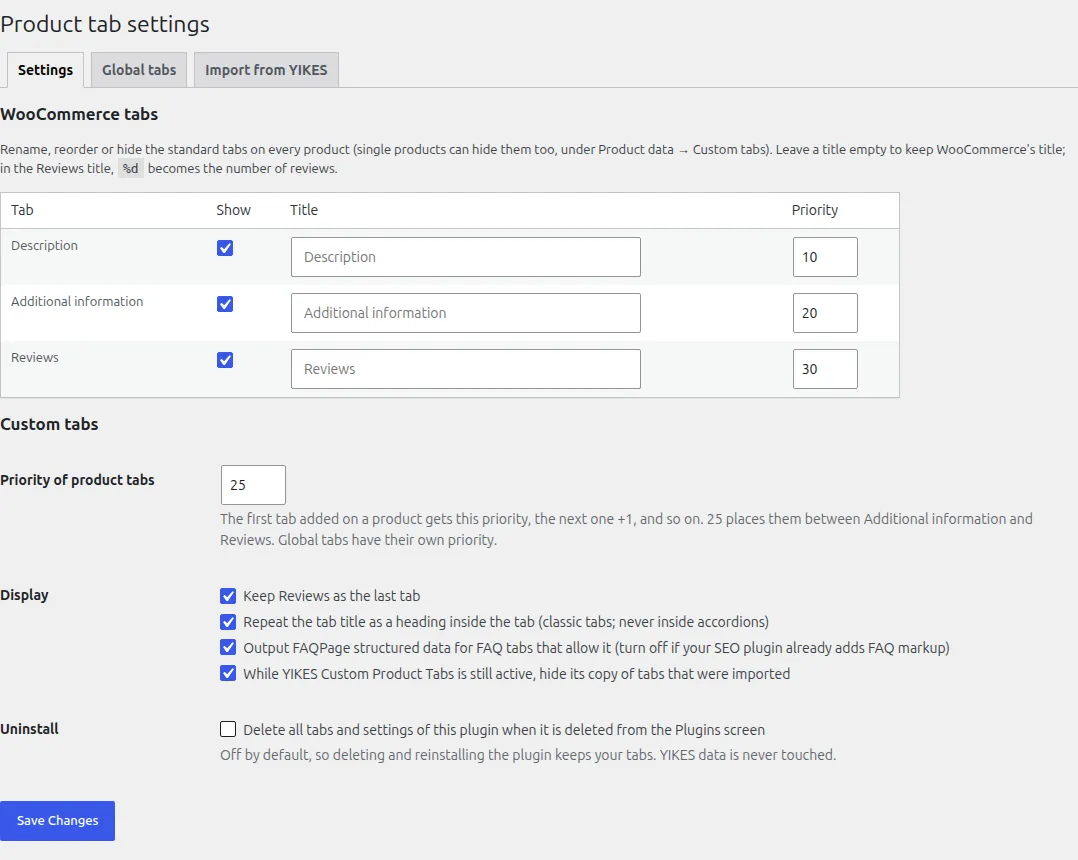
Rename Description, Additional information and Reviews, reorder them, or hide them store-wide or on a single product.
Standard WooCommerce tabs in classic themes, and the Product Details block in block themes, both tabbed and accordion.
Copies product tabs and saved tabs in one click. A dry run shows what will happen first, YIKES data is only read, and the import can be undone.
v1.0.5 is the current release, on WordPress.org and GitHub. Everything under Planned is not in it yet.
This file could not be loaded.
This file could not be loaded.
This file could not be loaded.
This file could not be loaded.
1 of 4
| Platform or runtime | Supported versions | Tested up to |
|---|---|---|
| WordPress | 6.5 or newer | 7.1 |
| WooCommerce | 9.0 or newer | 11.1 |
| PHP | 8.1 or newer | Not stated |
Install it from WordPress.org: in your dashboard open Plugins → Add New Plugin, search for "PN Scripts Tabcrest", activate it next to WooCommerce and add tabs under Product data → Custom tabs. Free under GPL-2.0-or-later, with the source code on GitHub.
Source code on GitHub under the GPL 2.0 or later license.