The gap
Every game with tutorials or a controls screen needs key and button prompts for several devices, and drawing them takes days, mixed free sets do not match each other, and many sets copy console brand art that a small studio should not ship.

Game assets
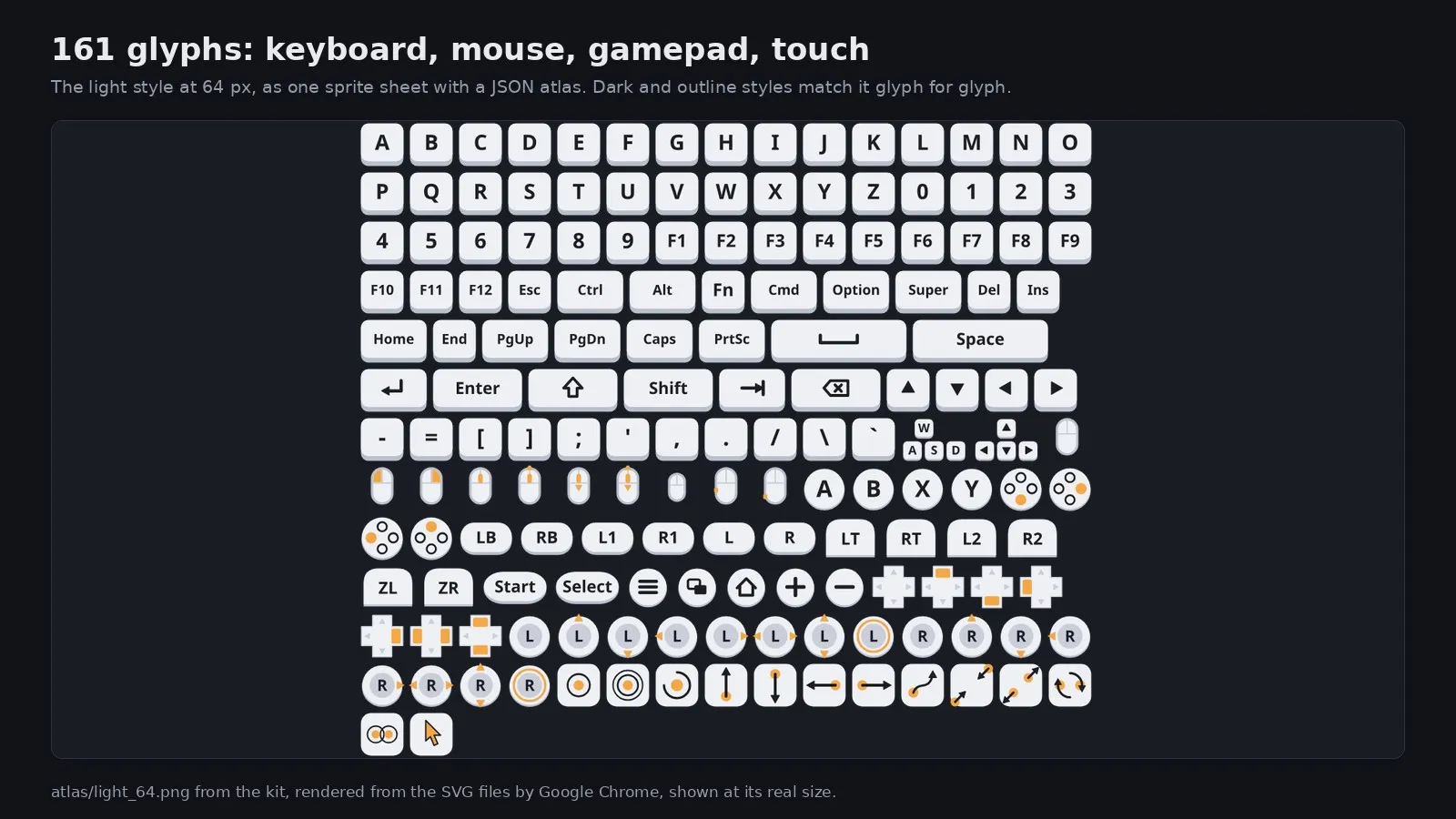
161 input prompts for game menus and tutorials: keyboard, mouse, gamepad and touch, in light, dark and outline styles, as SVG, PNG and sprite sheets, with a Godot 4 helper.
Coming soon
Not published on its store yet, so there is no buy or download link. PN Scripts does not take payment for it here.
The gap
Every game with tutorials or a controls screen needs key and button prompts for several devices, and drawing them takes days, mixed free sets do not match each other, and many sets copy console brand art that a small studio should not ship.
What it is
Podkanka gives one matching set for keyboard, mouse, gamepads and touch in three styles and every common format, without brand art, plus a Godot helper that picks the right glyph for each action and device.
How you use it
Correct prompts for every device in an afternoon, in a style that matches across your whole game.
A consistent, brand-safe input prompt set for indie developers who show controls on more than one device.
Use it when
Built for
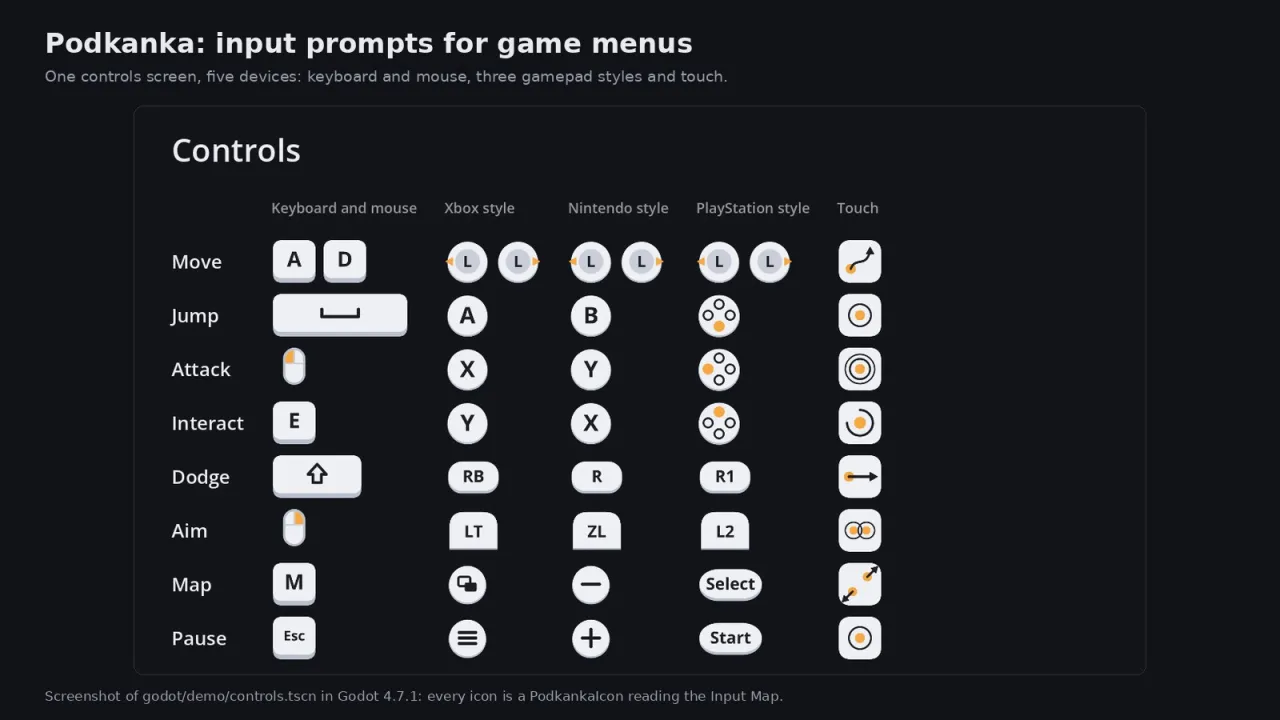
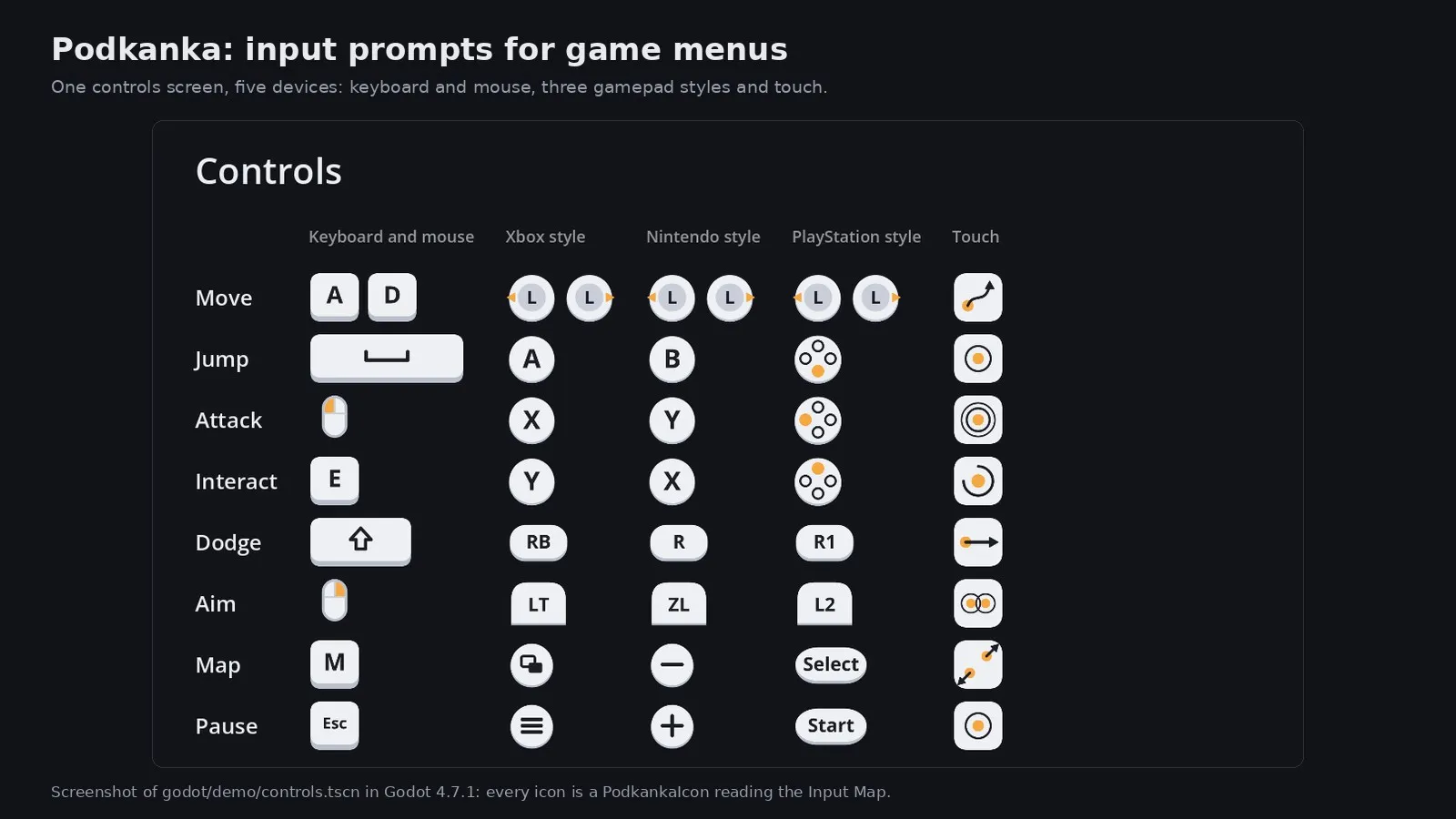
Keyboard keys from letters to Print Screen, wide Space, Shift and Enter keys, W A S D and arrow clusters, mouse buttons and wheel, face buttons, shoulders, triggers, menu buttons, D-pad and sticks with directions, and the touch gestures tutorials need.
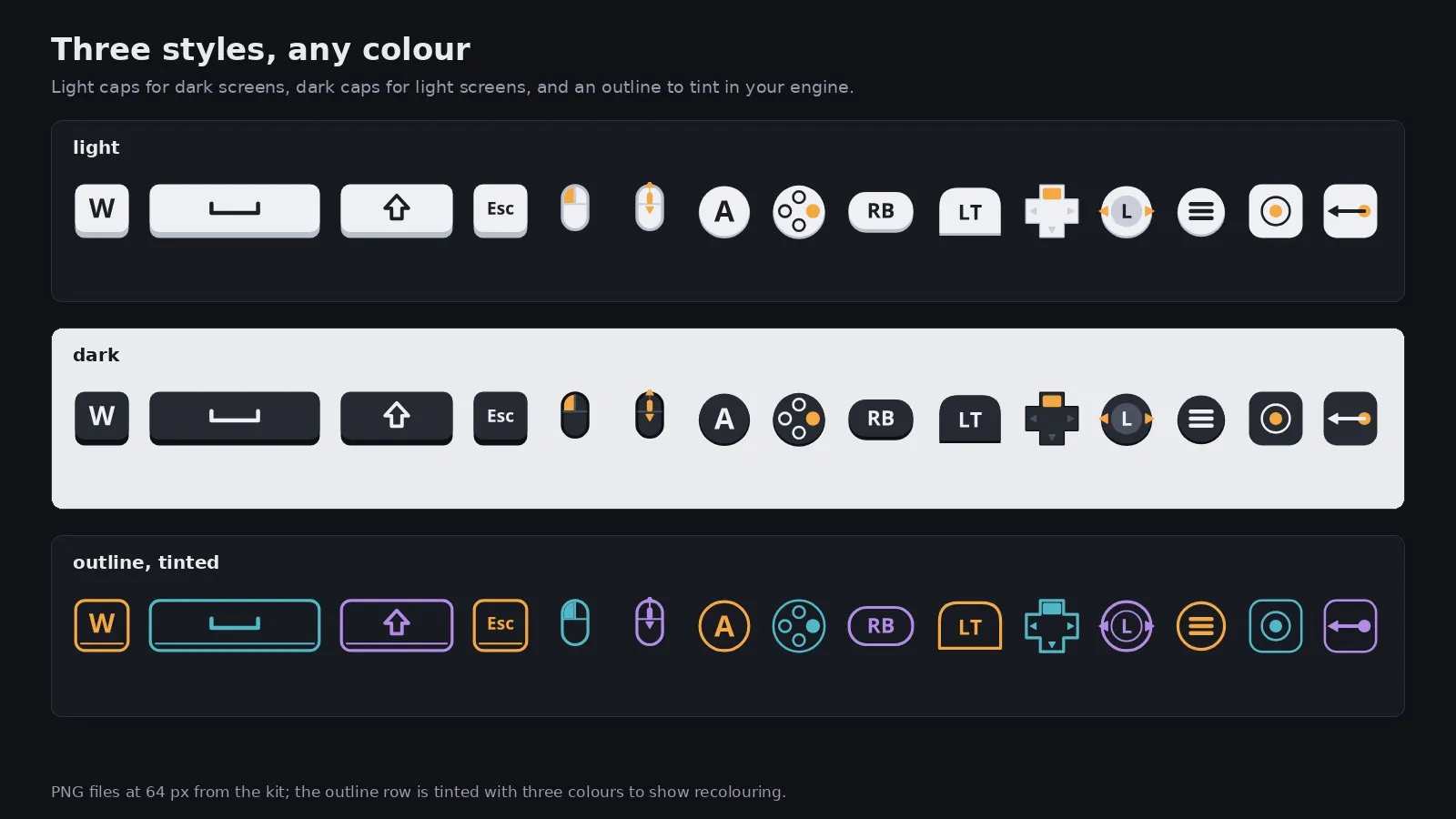
Light caps for dark game screens, dark caps for bright menus, and a white outline that takes any colour you tint it with. All three share the same shapes and sizes, so you can switch per screen without the layout moving.
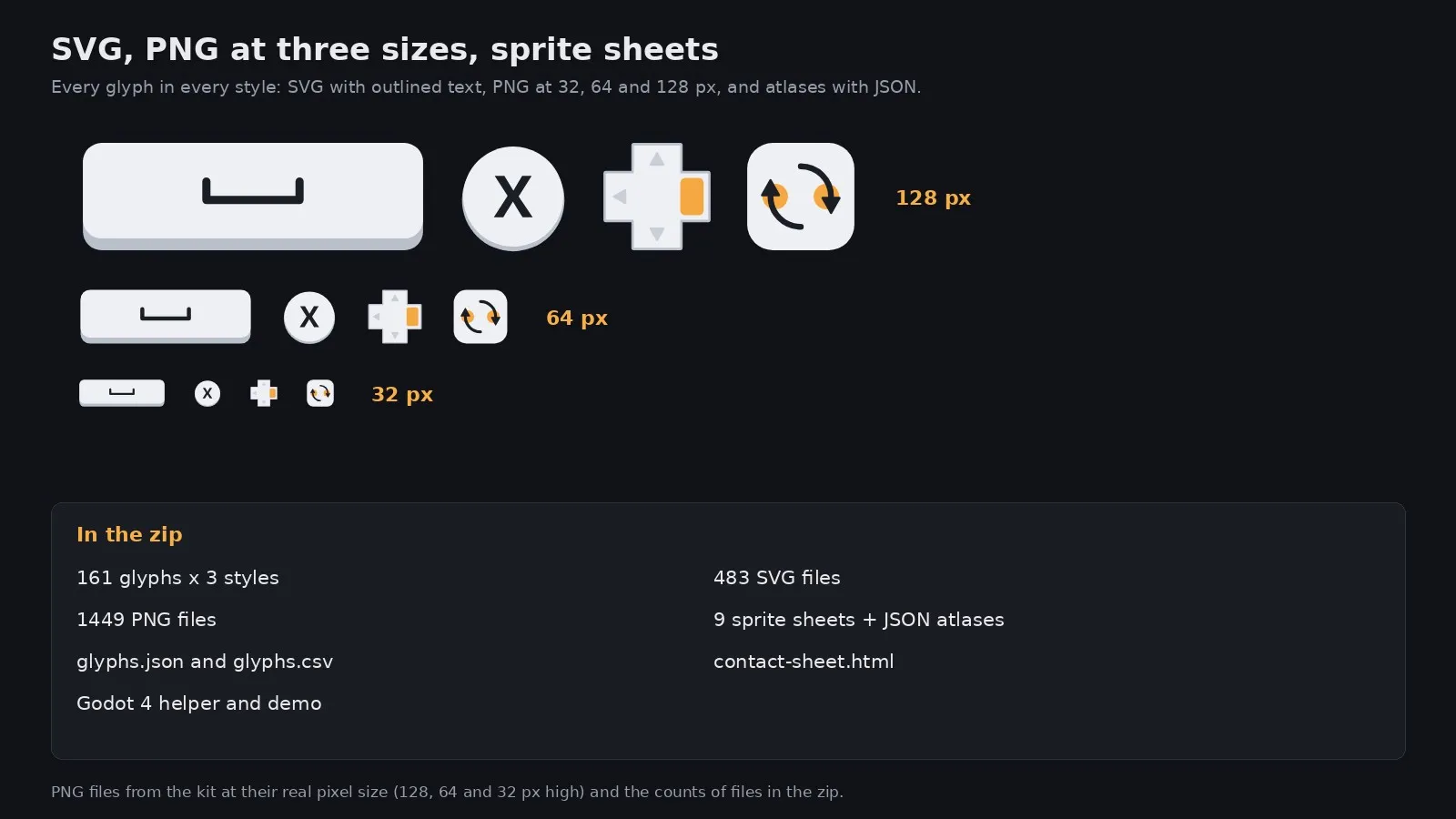
SVG files contain only shapes with the letters outlined, so they scale to any size and need no font. PNG files come at 32, 64 and 128 pixels high, and sprite sheets with JSON atlases load in one call in engines that read the JSON Hash layout.
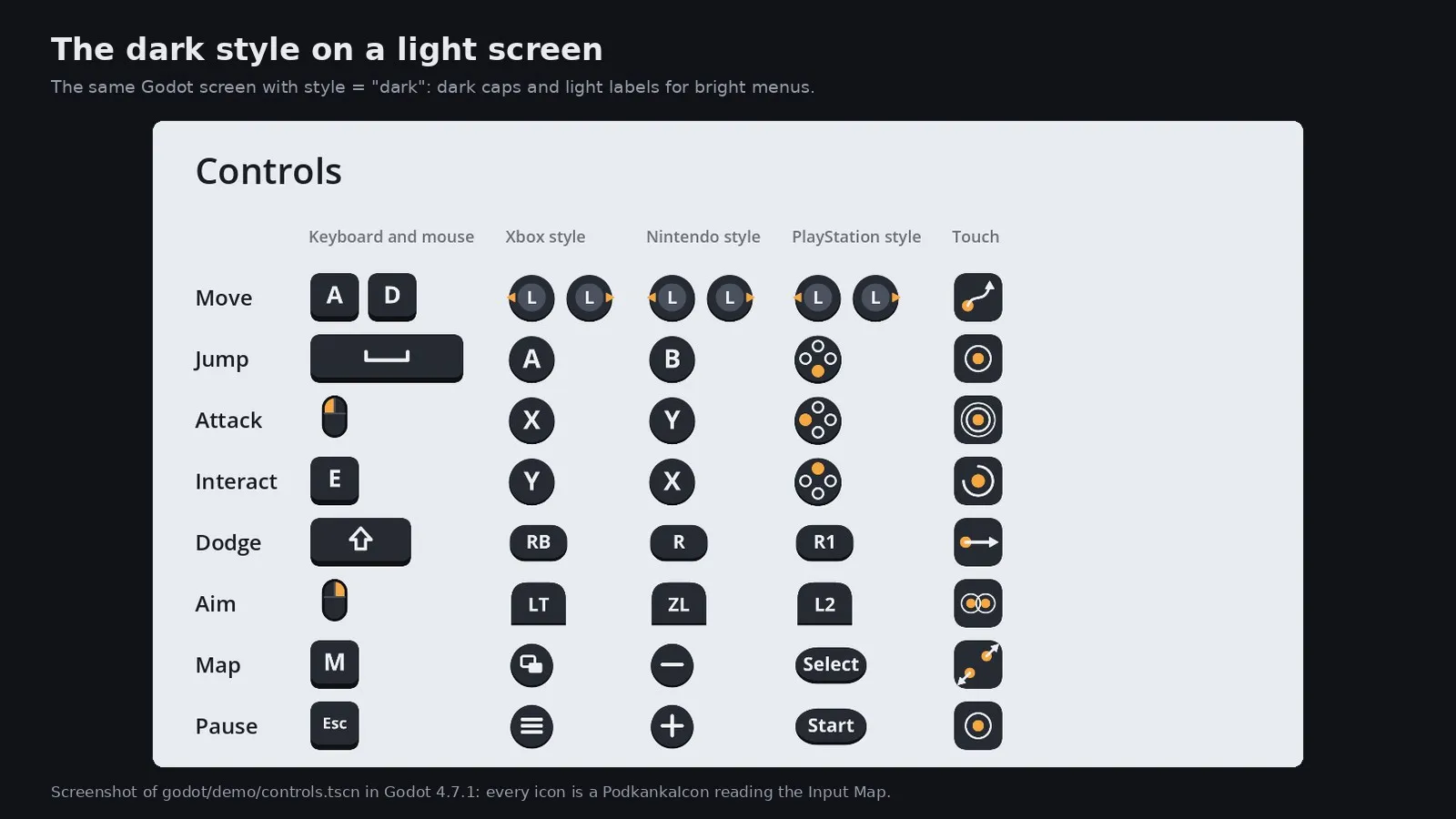
In Godot 4, Podkanka.for_action() turns an input action into the glyph for the current device and pad family, and PodkankaIcon updates itself when the player switches devices, alone or with the Pipalo addon. The demo controls screen is ready to adapt.
This file could not be loaded.
This file could not be loaded.
This file could not be loaded.
This file could not be loaded.
This file could not be loaded.
1 of 5
| Platform or runtime | Supported versions | Tested up to |
|---|---|---|
| Godot Engine (helper) | 4.7 or newer | 4.7.1 |
It is finished and tested. It is not on sale yet; this page will say where to get it when it is.
Coming soon
Not published on its store yet, so there is no buy or download link. PN Scripts does not take payment for it here.