The gap
Scattering by weight paint or laying rows over uneven ground means building and tuning a geometry-nodes setup by hand for each scene.

Blender add-ons
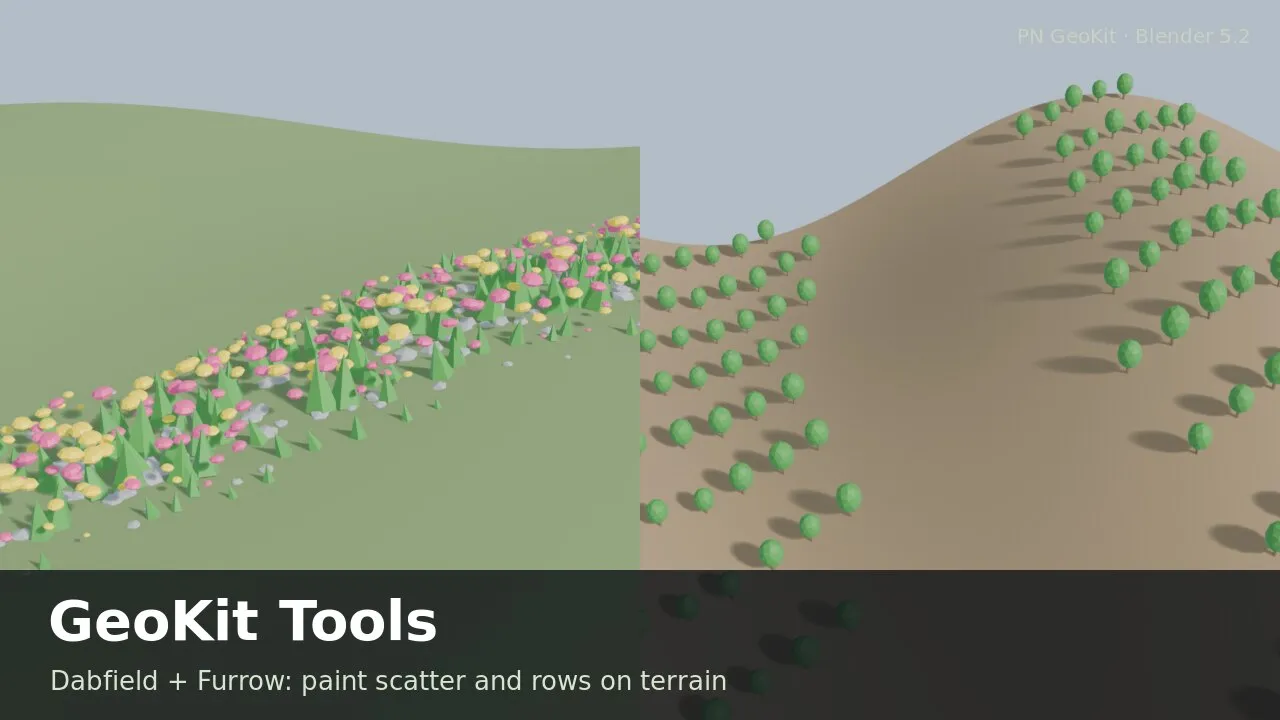
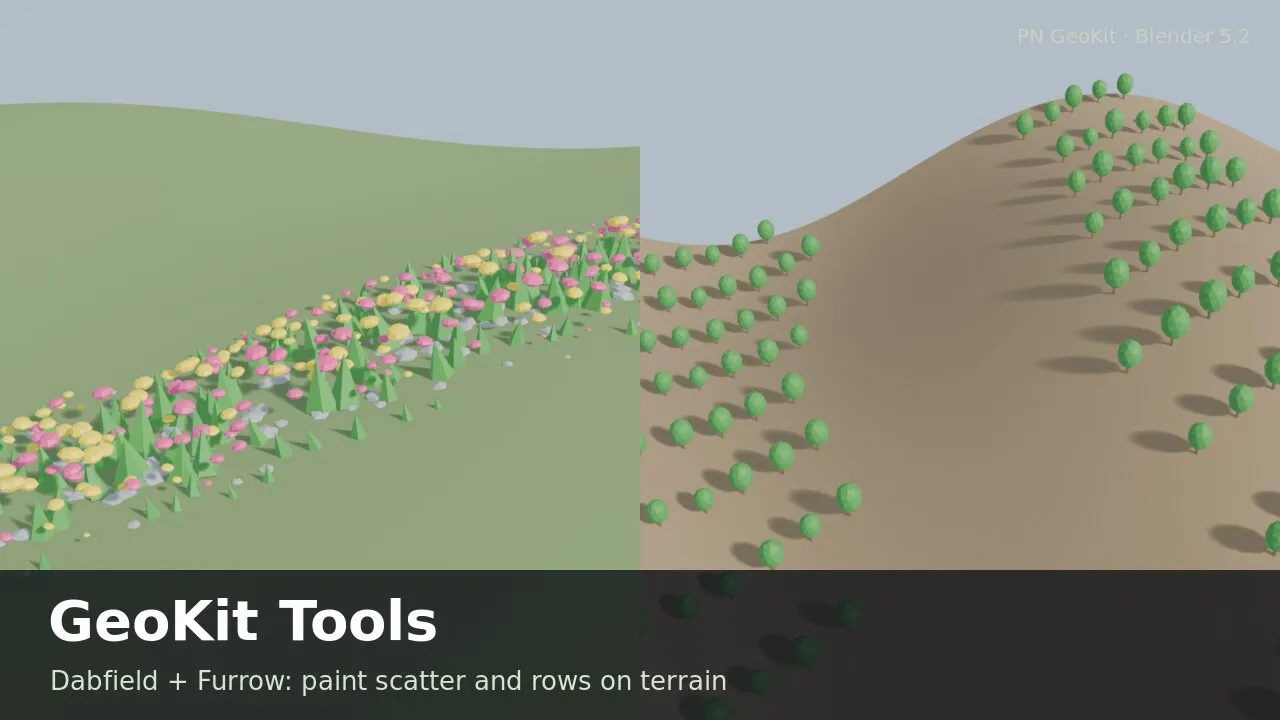
Two small Blender tools, one geometry-nodes job each: Dabfield scatters objects where you weight-paint, and Furrow lays rows of objects over terrain.
Coming soon
Not published on its store yet, so there is no buy or download link. PN Scripts does not take payment for it here.
The gap
Scattering by weight paint or laying rows over uneven ground means building and tuning a geometry-nodes setup by hand for each scene.
What it is
One click adds a ready, editable modifier: paint where things grow, or set a row direction and spacing and let the rows follow the ground.
How you use it
Select the objects, select the surface, click once, and paint or set the rows.
Micro-tools: one geometry-nodes job each, at a small price, not a scatter system.
Use it when
Built for
Select the objects to scatter, then the surface. Add Dabfield makes an empty "Dabfield" vertex group and switches to Weight Paint: paint, and instances appear under the brush, denser and bigger where the weight is higher.
Keep instances a minimum distance apart, cut off faint weight, set a size range, stand them upright or along the surface, and add random tilt and spin.
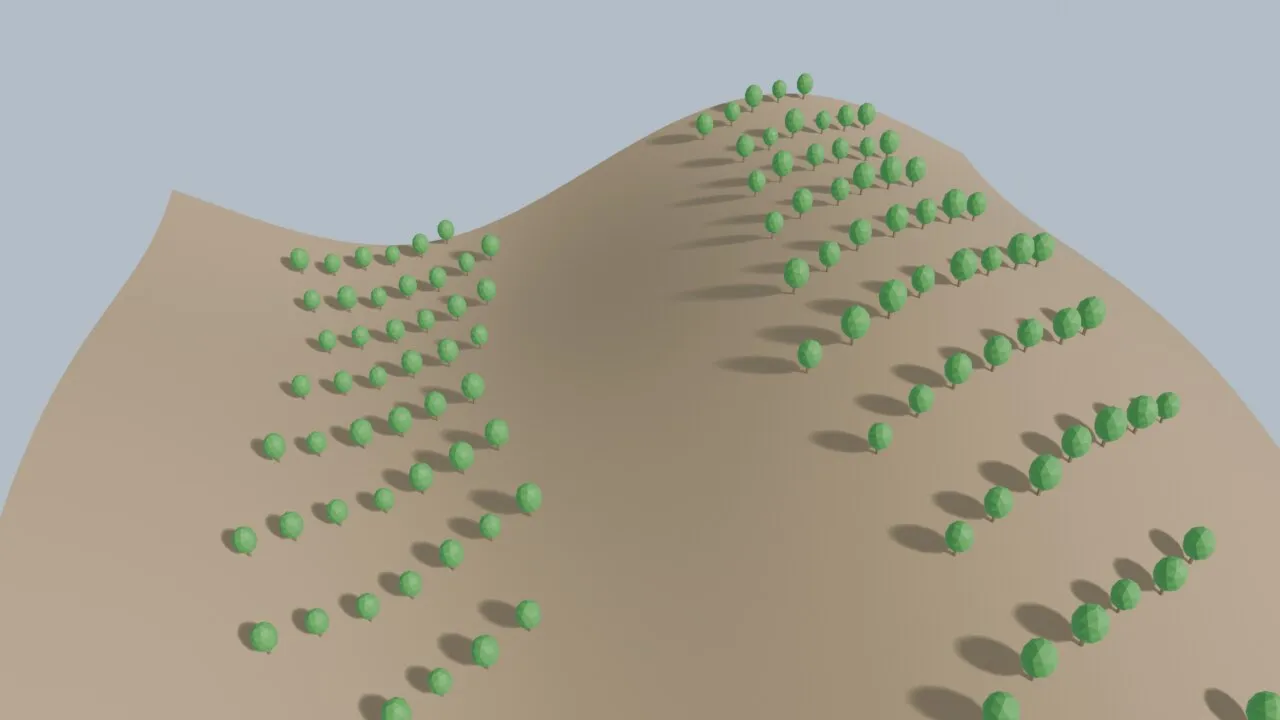
Select the plant, post or lamp, then the terrain. Rows in any direction cover the terrain and every point drops straight down onto it; instances face along the rows.
Max Slope leaves steep ground empty and an optional painted mask keeps the rows inside a field. Stagger every other row, add jitter, keep plants upright or tilt them with the ground.
This file could not be loaded.

This file could not be loaded.
This file could not be loaded.
This file could not be loaded.

This file could not be loaded.
1 of 5
| Platform or runtime | Supported versions | Tested up to |
|---|---|---|
| Blender | 5.2 or newer | 5.2 |
Both tools are finished and tested. They are not on sale yet; this page will say where to get them when they are.
Coming soon
Not published on its store yet, so there is no buy or download link. PN Scripts does not take payment for it here.