
The gap
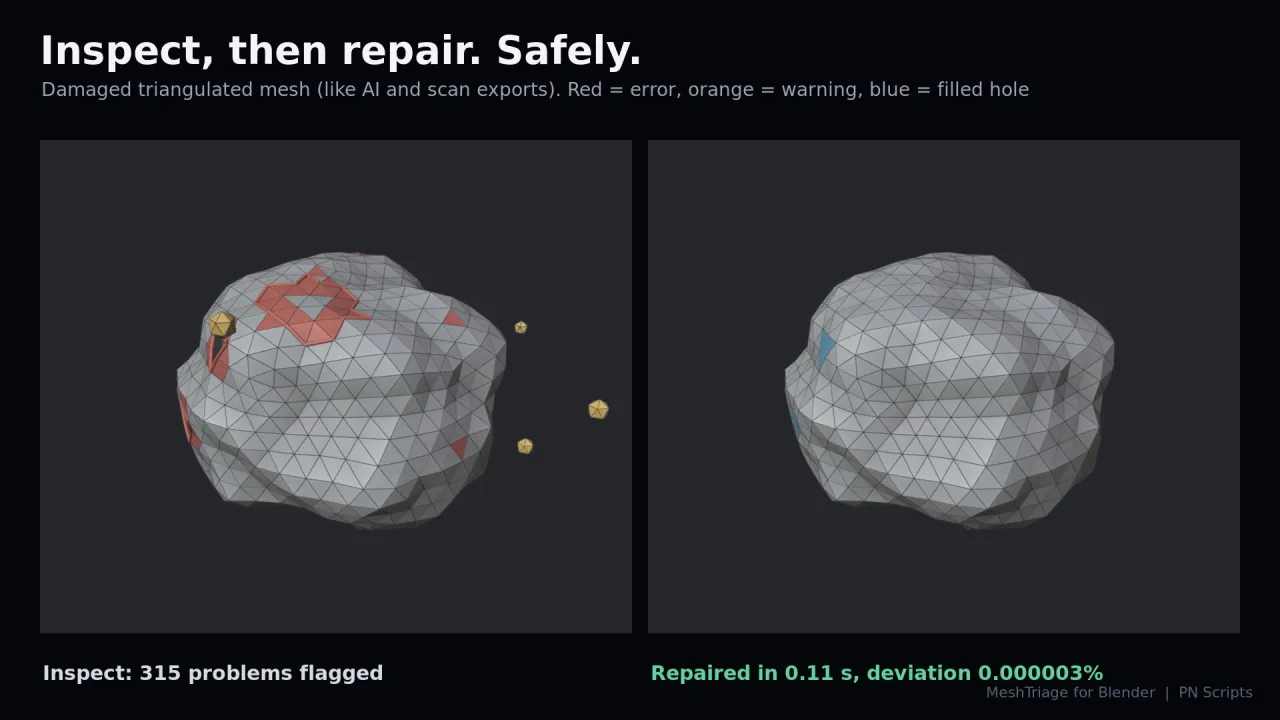
Seams that look welded but are not, stray vertices, flipped faces, holes, floating debris and faces inside the volume are invisible until an export, a boolean, a bake or a print fails.

Blender add-ons
AI-generated models, scans, CAD imports and downloaded assets hide problems that show up later as black shading, failed booleans, bad bakes or failed prints. MeshTriage finds them, shows you where they are, and repairs them without changing your shape.
Coming soon to Gumroad
Not published on its store yet, so there is no buy or download link. PN Scripts does not take payment for it here.
The gap
Seams that look welded but are not, stray vertices, flipped faces, holes, floating debris and faces inside the volume are invisible until an export, a boolean, a bake or a print fails.
What it is
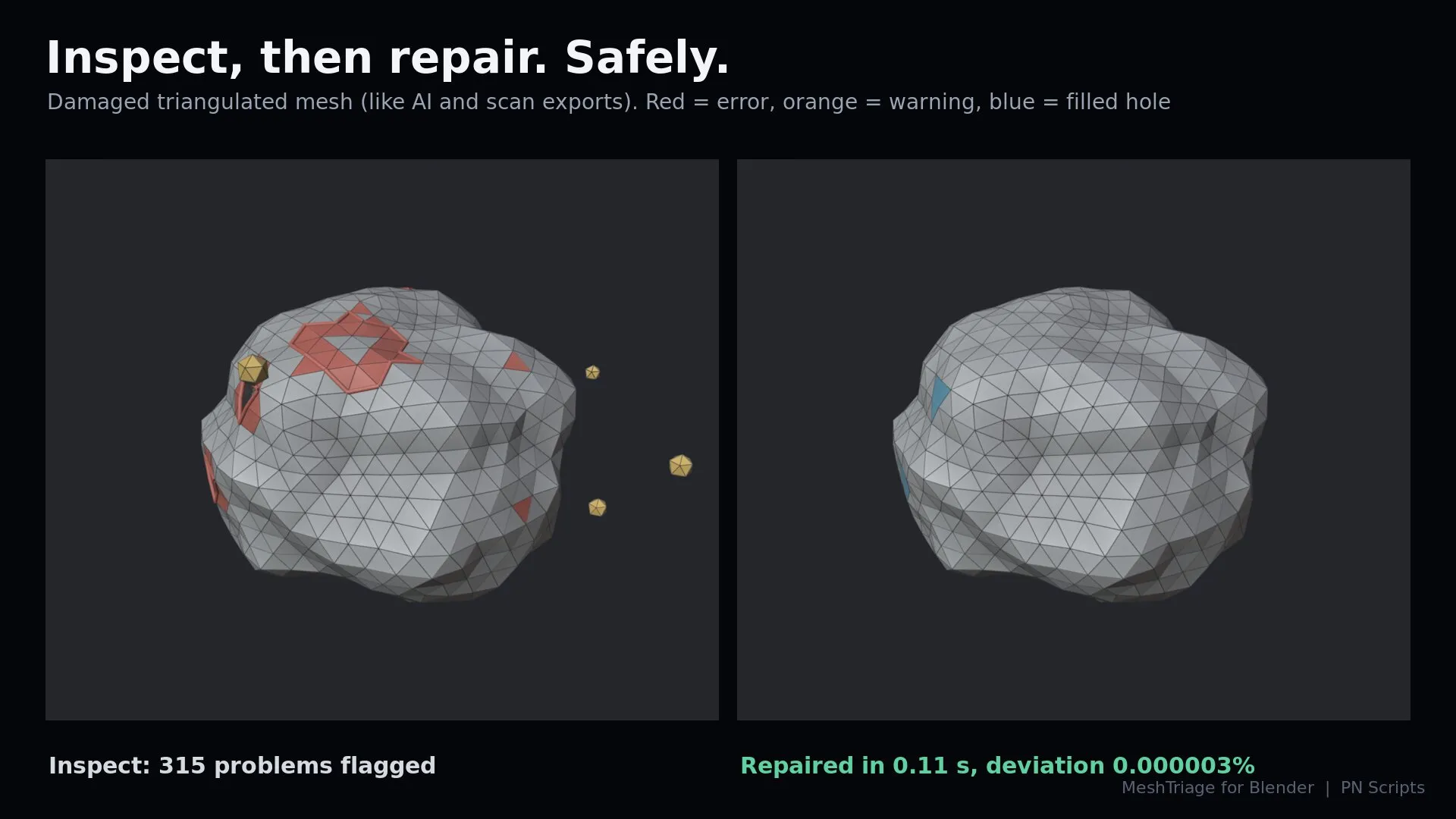
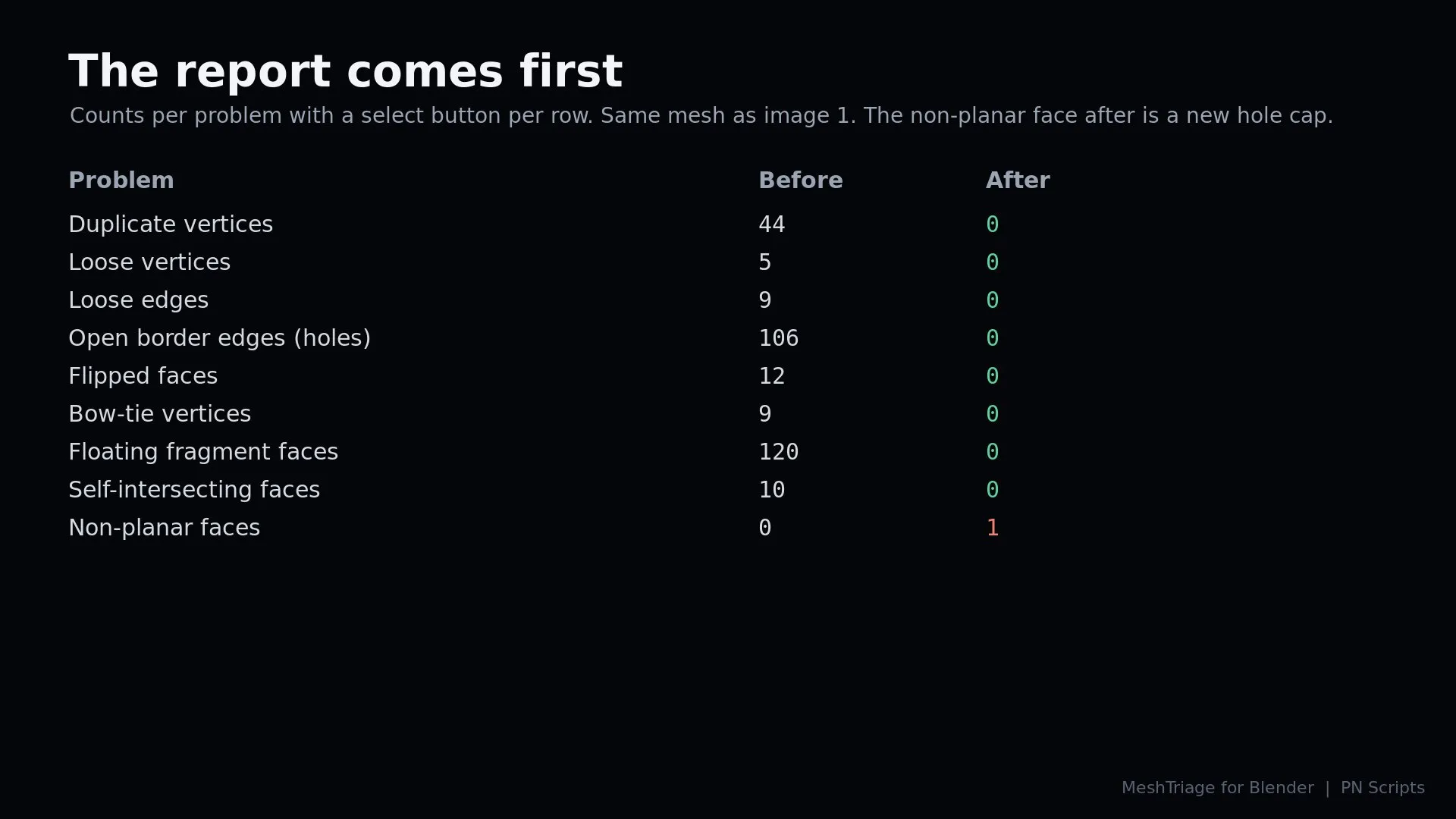
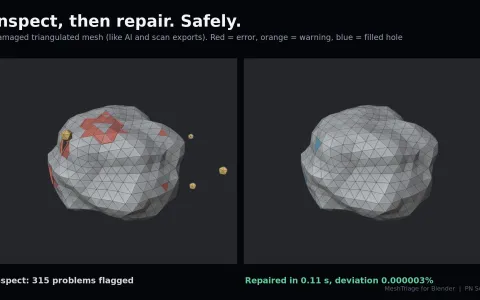
MeshTriage inspects any number of meshes, lists every problem with a select button, and repairs them with presets while measuring how far the surface moved.
How you use it
Select your meshes, press Inspect in the MeshTriage sidebar tab, then pick a preset and press Repair.
A deterministic geometry tool, not a remesher and not AI: it keeps your topology and repairs only what is broken.
Use it when
Built for
17 checks per object: duplicates, loose and degenerate geometry, non-manifold edges, flipped and inside-out normals, holes, floating fragments, interior faces, self-intersections and more, plus transform, UV and custom-normal warnings.
One click puts you in Edit Mode with exactly those elements selected, so you can see each problem before anything changes.
Safe cleanup, AI or scan mesh, CAD import, game export, 3D print, or a custom selection of steps.
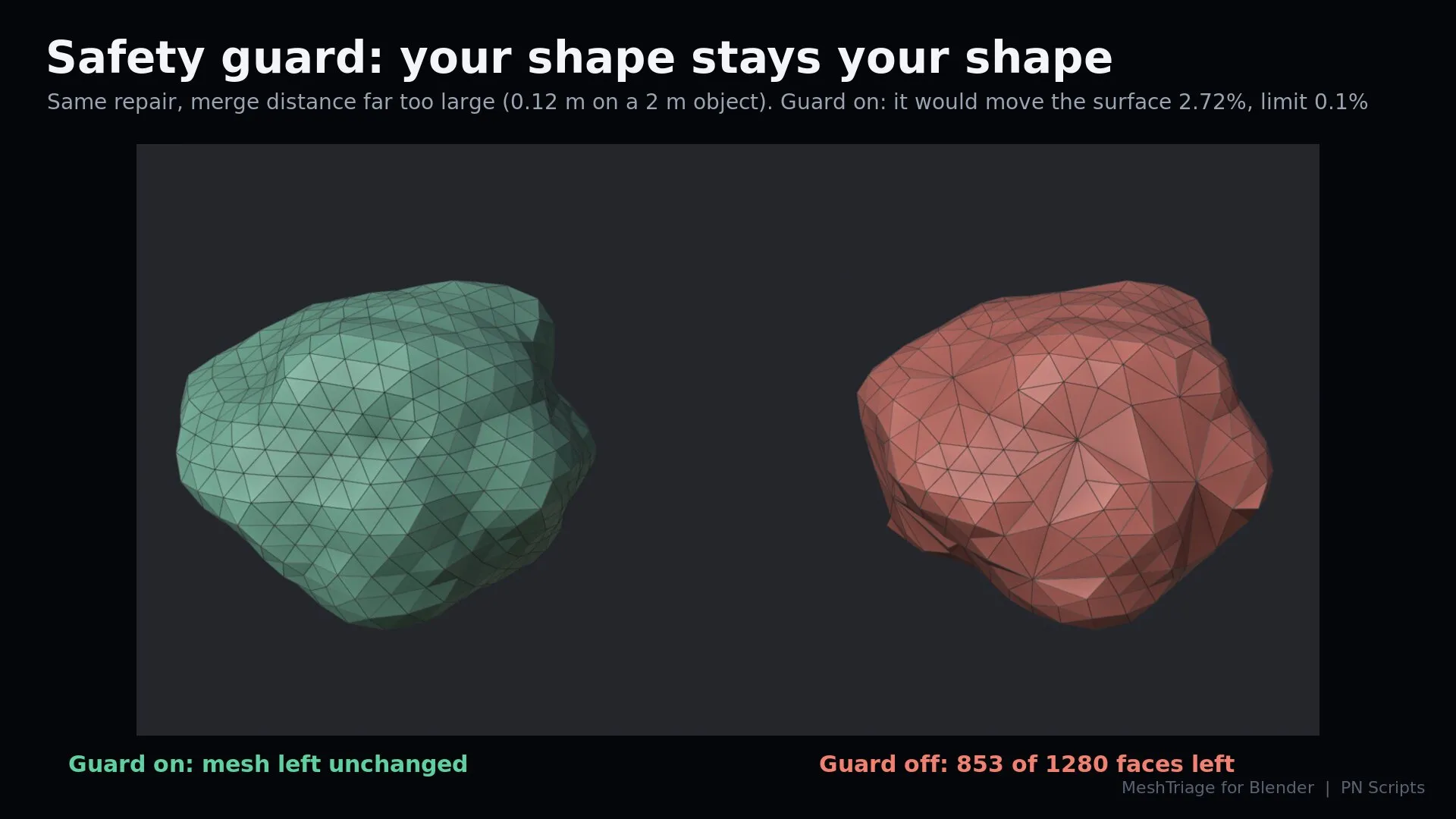
Every repair reports how far the surface moved and how much area was removed. The safety guard leaves a mesh unchanged when a repair would go too far.
Repair many objects at once and export the report as JSON or CSV for your QA records.
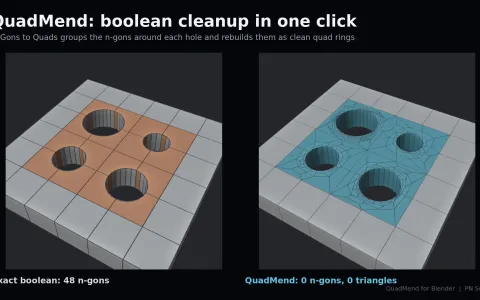
MeshTriage finds the holes; QuadMend fills them with clean quad patches. With both installed, the report offers to fill holes with QuadMend.
Version 1.1.0 is tested on Blender 4.2 LTS, 4.5 LTS and 5.2 LTS and coming soon to Gumroad.
This file could not be loaded.
This file could not be loaded.
This file could not be loaded.
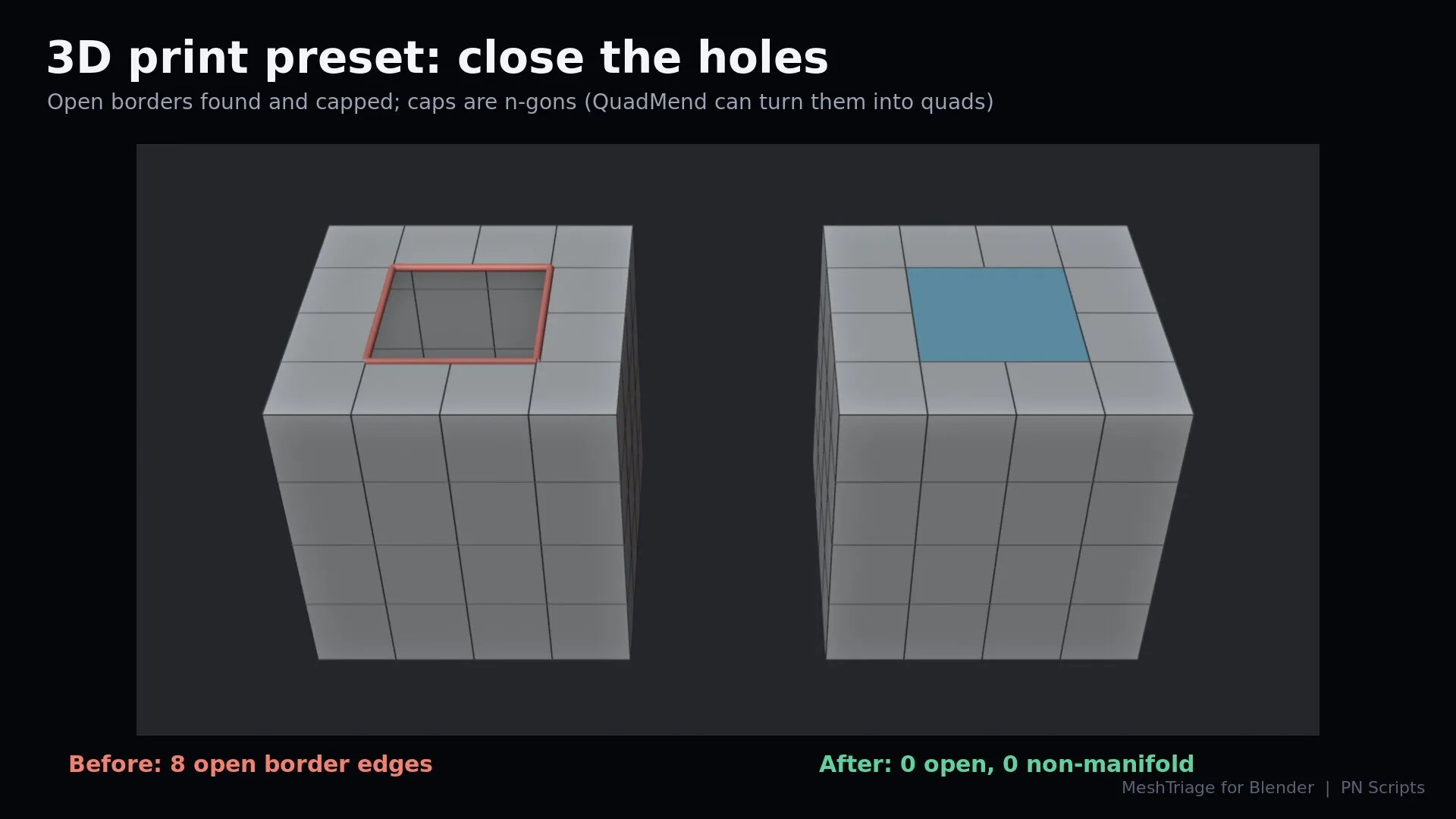
This file could not be loaded.
1 of 4
| Platform or runtime | Supported versions | Tested up to |
|---|---|---|
| Blender | 4.2 or newer | 5.2 |
MeshTriage is coming soon to Gumroad. This page links to the store as soon as it is on sale there.
Coming soon to Gumroad
Not published on its store yet, so there is no buy or download link. PN Scripts does not take payment for it here.
Blender add-ons
Coming soon External marketplace: sold or published through Gumroad, not on this site
by PN Scripts
Coming soon External marketplace: sold or published through Gumroad, not on this site
by PN Scripts
Coming soon External marketplace: sold or published through Gumroad, not on this site